Should your QR code open one page directly, or show a choice of several links? Both are free to create on MultiLinkQR, and both have a clear purpose. This comparison explains the difference, the trade-offs, and which one to pick for business cards, menus, social media, events and packaging.
The short answer
- Single-link QR code: the scan opens one page directly. Fastest, simplest, and the right choice when there is only one thing people need.
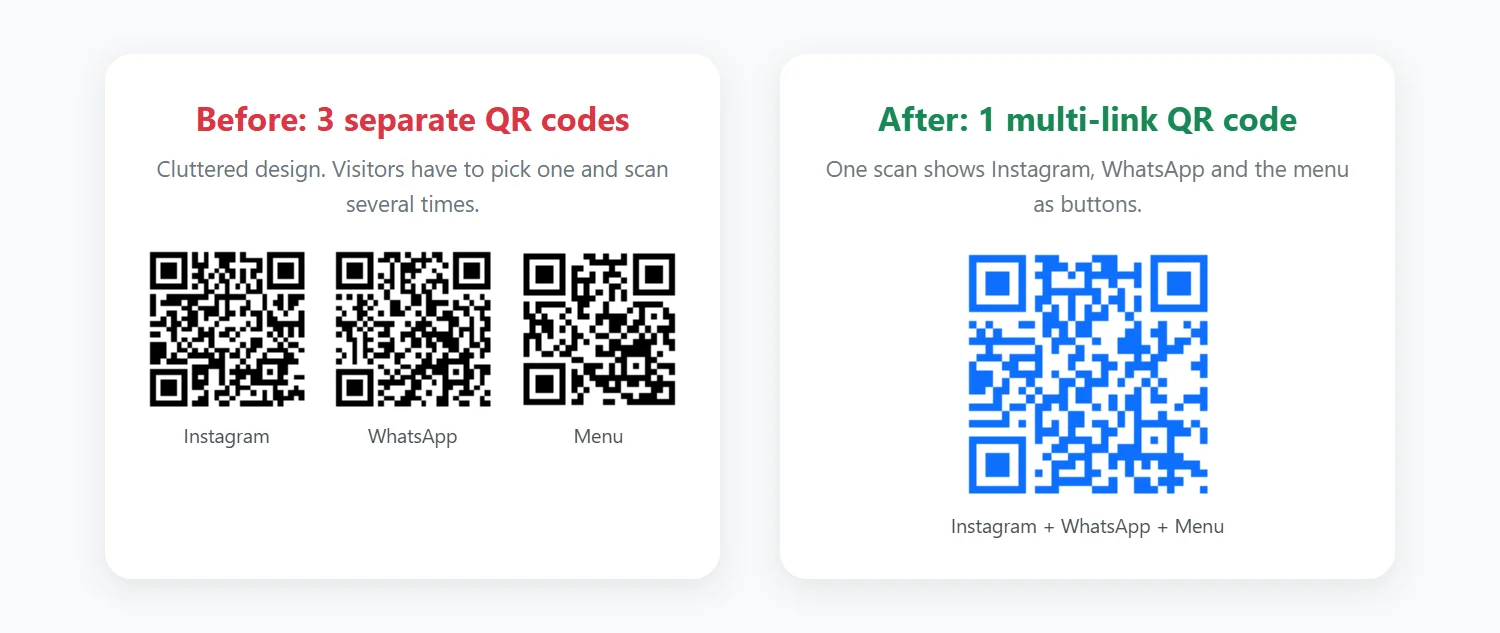
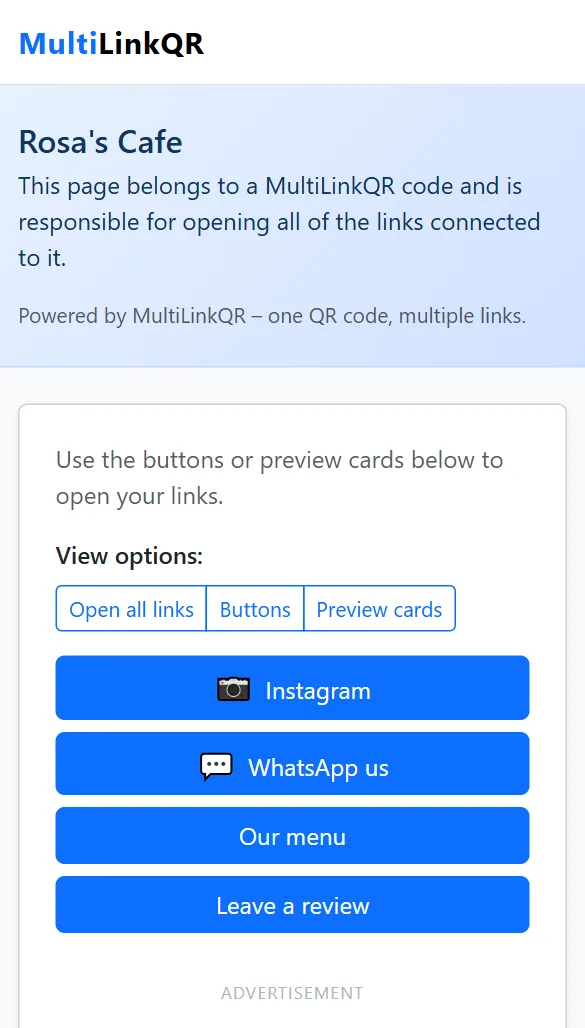
- Multi-link QR code: the scan opens a small page with several buttons, and people pick where to go. The right choice when different people want different things.
Side-by-side comparison
| Single-link | Multi-link | |
|---|---|---|
| What happens after scanning | Opens your page directly | Opens a page with one button per link |
| Number of destinations | 1 | 2 or more (2–6 is ideal) |
| Taps needed | 0 | 1 (choosing a button) |
| QR pattern | Simple, scans easily when small | Denser with every extra link, so print a bit larger |
| Title, labels, icons | No | Yes: your title, button labels and platform icons |
| Expiry date | No | Optional |
| Best for | Menus on tables, one form, one product page, any "one job" code | Business cards, social profiles, events, shop windows, packaging |
When a single-link QR code is better
- There is only one thing to do: "Scan for the menu", "Scan to register", "Scan to download the app".
- Speed matters: at a busy counter or entrance, people should land on the page instantly.
- The code is printed very small, for example on a label. A simpler pattern scans more reliably.
- You link to a page you control (your website or a Google Drive file) that already contains everything people need.
When a multi-link QR code is better
- Different people want different things. One guest wants the menu, another wants to leave a review, a third wants your Instagram.
- Limited space: one code on a business card replaces three or four separate codes.
- You have no website. The multi-link page acts like a mini link page, with no hosting or account needed.
- Events and campaigns: registration, agenda, map and feedback in one scan, with an optional expiry date after the event.
Examples by use case
- Restaurant table: single-link to the menu. Restaurant window or receipt: multi-link with menu, ordering and reviews. See the menu QR code guide.
- Business card: multi-link with website, WhatsApp, LinkedIn and location. See QR codes on visiting cards.
- Creator: multi-link with all your social media profiles.
- Survey poster: single-link straight to the Google Form.
- Product box: multi-link with manual, warranty registration and support.
What both types have in common
- Free to create and download (PNG or SVG), with no account and no watermark.
- Same design options: color, background, border, rounded style, size and logo.
- Both are static: the destination is stored in the code, so it can't be changed after printing, but it also never depends on a subscription.
- Links must start with
https://.
How to create either one
- Open the QR code generator.
- Choose Single Link or Multi-Link at the top.
- Add your link (or links with labels), pick a style and click Generate QR Code.
- Scan it with your phone to test, then download.
Full screenshots of the multi-link process: how to put multiple links in one QR code.
Frequently asked questions
Can I switch a printed code from single to multi-link?
No. The type and links are stored in the printed code. Generate a new code instead.
Does a multi-link code scan slower?
Scanning is just as fast. The only extra step is one tap on a button after the page opens.
Which one gets more engagement?
It depends on your goal. If you want one specific action, a single link avoids distraction. If you want people to connect with you in their preferred way, a multi-link code gives them that choice.
Create a single-link or multi-link QR code
Both types are free, with no account and no watermark. Choose the mode at the top of the generator.
Generate QR Code Free Read More Guides